
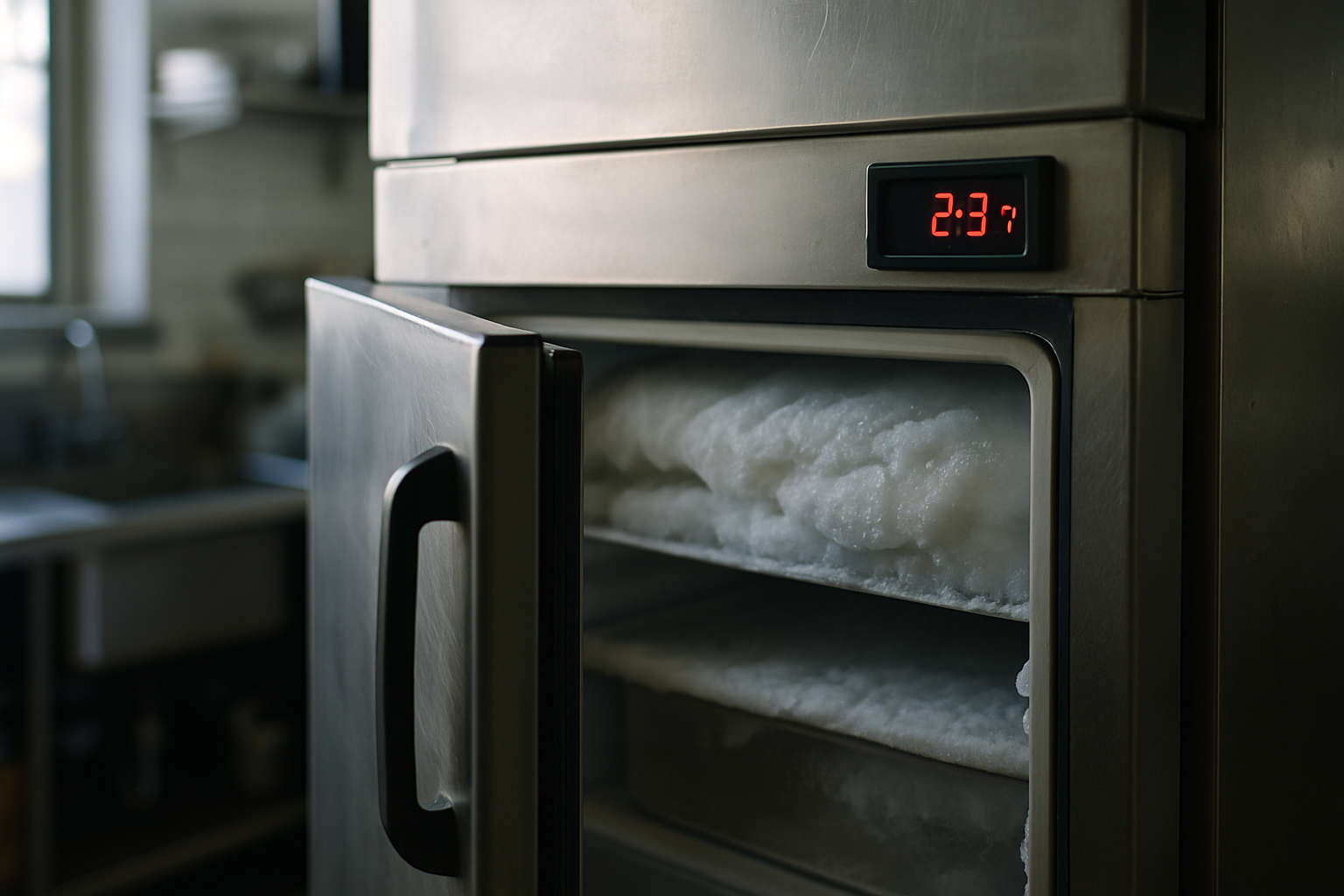
WiFi freezer alarm vs. cellular monitoring: which one still alerts you when the internet goes down?
WiFi freezer alarm: how wireless monitoring protects your inventory and catches problems early
A freezer failure rarely announces itself politely. It happens overnight, over a weekend, or during a busy stocking shift when nobody is watching the thermometer. By the time someone opens the door and notices something is off, thousands of dollars in food or lab samples may already be lost. A WiFi freezer alarm exists to close that gap. Instead of waiting for a person to spot a problem, it watches the freezer continuously and tells you the moment something drifts out of range.
This guide explains what a WiFi freezer alarm does, how wireless monitoring catches both equipment failures and human mistakes, and how to choose the right setup for a restaurant, school kitchen, or medical lab.
What a WiFi freezer alarm actually does
A WiFi freezer alarm is a wireless sensor placed inside your unit that reads temperature and humidity, then sends alerts to you remotely when something goes wrong. That last part matters. A traditional freezer alarm is a buzzer bolted to the unit that beeps when the temperature crosses a line. If someone is standing next to it, great. If the building is empty, the buzzer beeps to no one until the damage is done.
Compare that to how most kitchens and labs have traditionally handled temperature checks: a clipboard on the wall and a staff member writing down a reading twice a day. Manual checks only tell you the temperature at the exact moment someone looks. Everything that happens between checks, including an overnight failure, goes unrecorded until it is too late to act.
A WiFi freezer alarm shifts you from a single loud beep to continuous monitoring with a permanent record. It watches the unit around the clock, keeps a log of every reading, and reaches out to you wherever you are. The core value is simple: it catches both equipment failures and human errors, and it does so early enough to do something about them.
How a wireless freezer alarm works
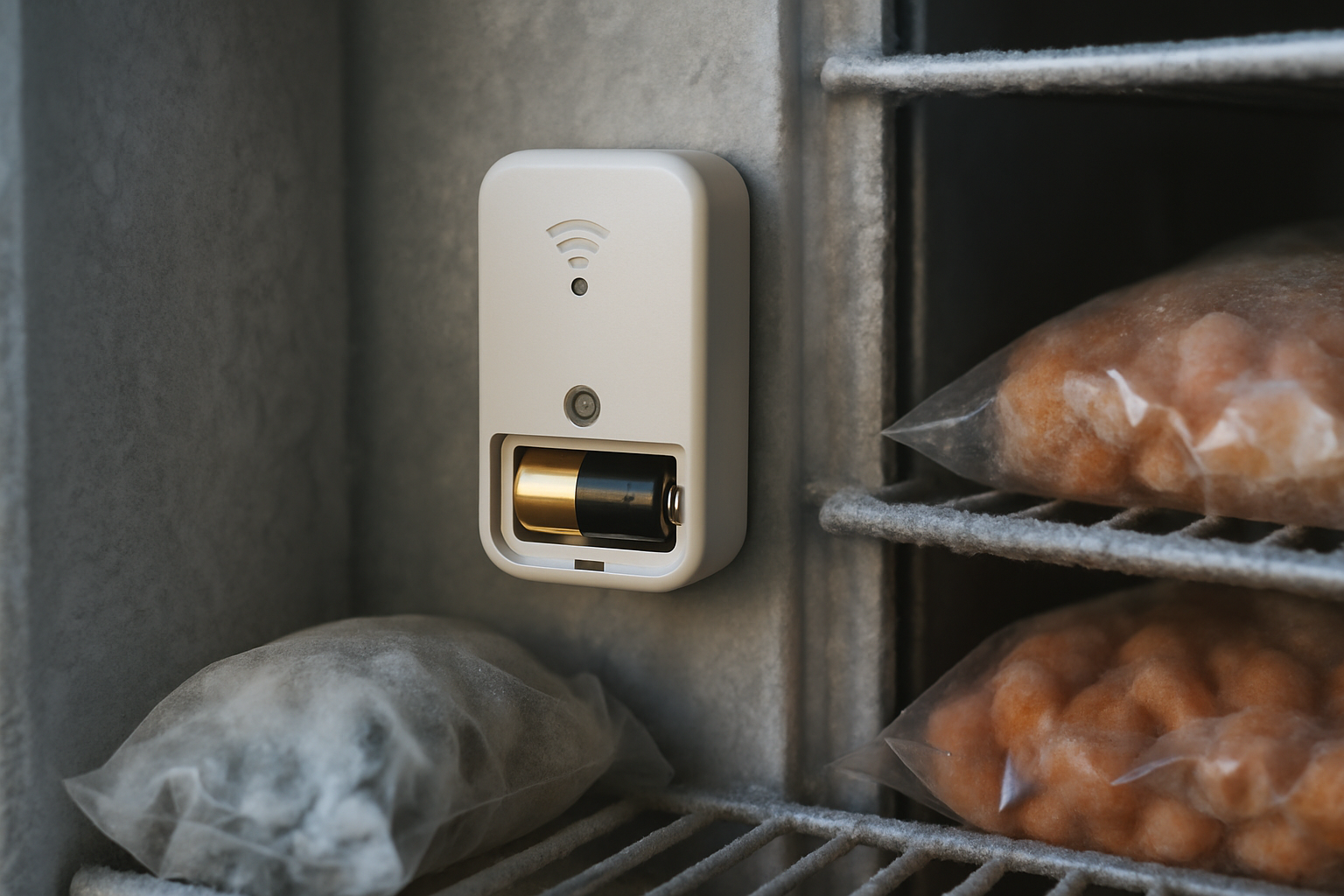
The sensor sits inside the freezer and takes readings on a set interval. VitaTemp records temperature and humidity every 20 minutes, which builds a detailed picture of how the unit behaves throughout the day and night without you lifting a finger.
Those readings travel wirelessly to the cloud. There is no drilling through freezer walls and no cables to run, which keeps the unit's insulation and warranty intact. When a reading crosses a threshold you have set, the system triggers an alert.
Because the sensor is battery powered, it keeps working even during a power outage that would knock out a wired system. VitaTemp batteries last about 10 years and are user-replaceable, so you are not scheduling service calls or replacing whole units just to keep monitoring alive.
What it monitors beyond temperature
Temperature is the headline, but it is not the whole story.
- Humidity. Tracking humidity helps you catch frost buildup, moisture problems, and conditions that quietly degrade product quality before the temperature itself looks alarming.
- Door-open events and slow creep. A door that is propped open or not fully sealed shows up as a gradual temperature rise. The system sees that creep and flags it, even when the freezer itself is working perfectly.
- Personnel issues. If a staff member leaves the freezer open too long while stocking, the temperature climbs and you get notified. Over time, repeated events point to a specific shift or workflow.
- Failure patterns. Because the system reads continuously, the shape of the data tells you whether you are looking at a failing compressor or a human mistake. A steady warming trend at 2 a.m. is a different problem than a sharp spike during the morning delivery.
Equipment failure vs. human error: why the difference matters
Not all freezer problems look the same, and telling them apart changes how you respond.
A sudden failure, like a compressor that dies outright, sends the temperature up fast. A slow failure is sneakier: a unit that drifts a few degrees warmer each night as a seal wears out or refrigerant leaks. Manual checks almost never catch slow failures because the temperature looks fine every time someone happens to read it. Trend data does catch them. When you can see the overnight numbers climbing week over week, you can schedule a repair before the unit gives out completely.
Human error shows a different signature. Repeated door-open alerts during the same part of the day usually mean a training or workflow problem, not a broken unit. That is useful information. Instead of calling a technician, you address stocking procedures or move product closer to the door to shorten the time it stays open.
The operational risk behind all of this is real. A single overnight failure can ruin an entire freezer of inventory, and for a lab it can mean irreplaceable samples or spoiled vaccines. Catching the problem hours earlier is often the difference between a minor adjustment and a total loss.
How fast you get alerted and where alerts go
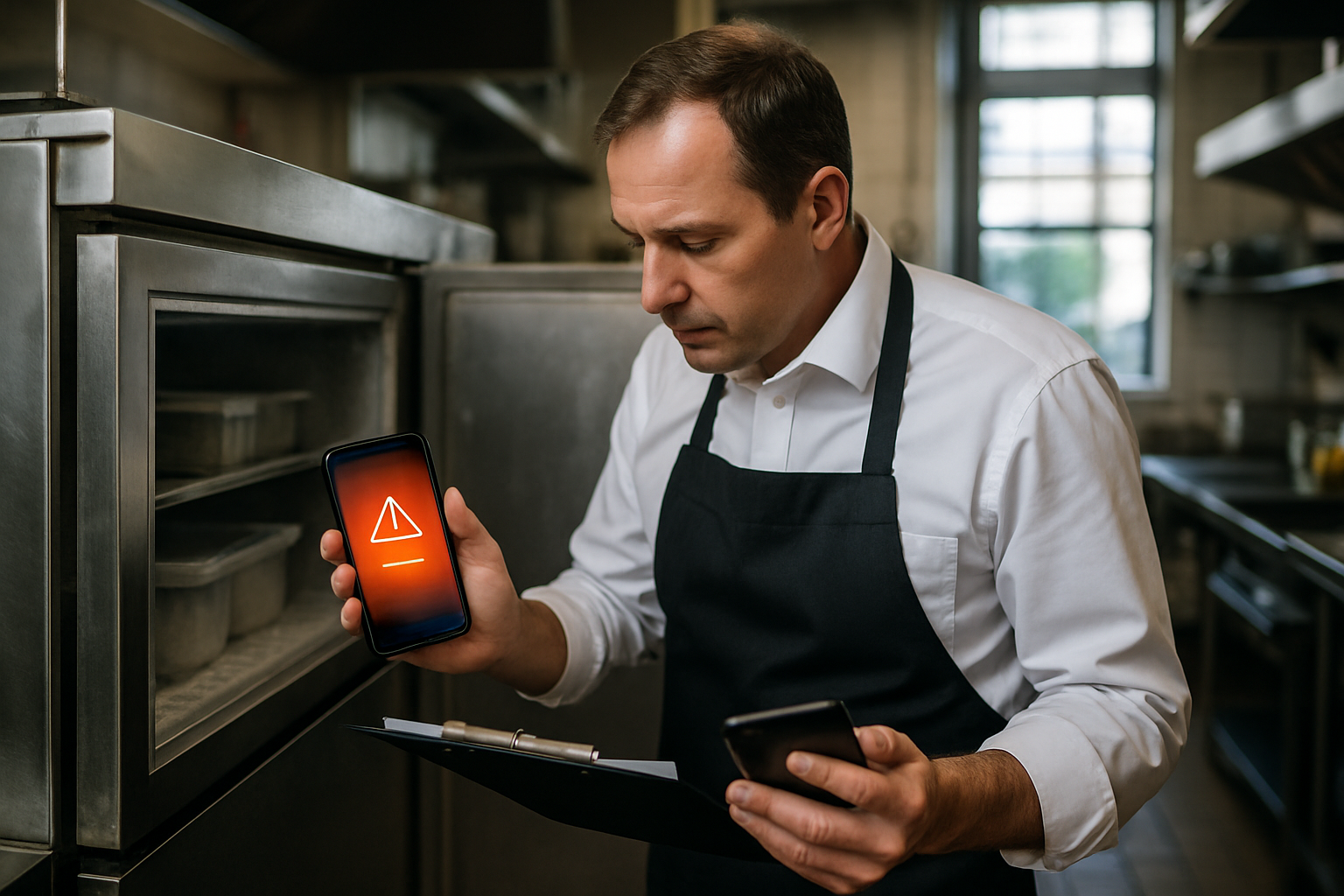
Alerts go to a phone, email, or text as soon as a reading crosses your threshold, based on your monitoring interval. With readings every 20 minutes, you learn about a problem while there is still time to act, not the next morning.
You can send alerts to multiple recipients, so someone always sees them even after hours. A manager, an assistant, and an owner can all be on the list, which means a 2 a.m. alert does not depend on one person happening to check their phone.
This is exactly where remote alerting beats a local buzzer. A buzzer in an empty restaurant or a closed lab helps no one. A notification that reaches you at home, or reaches the next person on the list if you miss it, is what actually protects the inventory. Good systems keep alerting until someone acknowledges the problem or the temperature returns to normal, so an alert is not missed just because the first ping came at a bad time.
Features that matter when choosing a freezer alarm
Once you move past the cheapest buzzer on the shelf, a few features separate a device that beeps from a system that protects you.
- Alert method. Decide between a local buzzer and cloud-based remote notifications. This is the single biggest factor in whether you actually find out about after-hours problems.
- Reading frequency. More frequent readings catch problems earlier and give you cleaner trend data. A long gap between readings can miss a short but damaging event.
- Battery life. Look for a long-lasting, user-replaceable battery so monitoring does not lapse and you are not paying for service just to keep it running.
- Sensor range and install. A wireless, no-drill sensor is faster to deploy and does not compromise the freezer. Confirm the sensor's signal reaches your WiFi from inside the unit.
- Data logging. Automatic logging and reporting turn every reading into an audit-ready record, which matters enormously for compliance.
For a deeper walkthrough of alarm types and thresholds, see our guide to how freezer temperature alarms work and how to choose one.
Local buzzer alarms vs. cloud remote monitoring
Buzzer alarms are cheap and simple. They make sense only when someone is guaranteed to be present to hear them, and even then they offer no record of what happened.
Cloud monitoring adds remote alerts, historical logs, and the ability to see multiple units or multiple sites from one place. For low-risk situations where a person is always nearby and the inventory value is small, a buzzer might be enough. For high-value inventory or anything that sits unattended overnight or over a weekend, remote monitoring is the practical choice.
Most food service and lab settings fall into the second group. The inventory is valuable, the building is often empty during the exact hours failures happen, and the record-keeping requirements make logging non-negotiable.
Compliance needs for restaurants, schools, and labs
Temperature monitoring is not just about avoiding spoilage. In many settings it is a documented requirement.
Restaurants operating under HACCP-style plans need temperature logs to show that cold storage stayed in range. Automatic logging supports that far more reliably than a clipboard, and it pairs naturally with correct food cooling procedures and an understanding of the temperature danger zone.
School food service programs face their own safety rules and need documentation ready for inspections. Automatic records mean staff are not scrambling to reconstruct a log when an inspector arrives.
Medical labs work with strict storage ranges for samples, reagents, and vaccines, where a brief excursion can compromise results or safety. Clinics storing vaccines have particularly specific rules; our guide to vaccine refrigerator monitoring and CDC logging requirements covers those in detail.
In every case, automatic logging replaces manual checks and produces audit-ready records without daily effort. Always verify the specific requirements that apply to you with your local health department or regulatory authority, since rules vary by jurisdiction and setting.
Installing and setting up without drilling or wiring
Getting started does not require tools or a technician.
Place the wireless sensor inside the unit. There are no holes to drill and no cables to run, so the freezer stays sealed and intact. Positioning matters for accuracy, and the same principles that apply to a walk-in cooler sensor placement apply to smaller units.
Connect the sensor to your WiFi and set your temperature and humidity thresholds. Then add your alert recipients and run a test so you know the notification chain actually works before you rely on it.
After that, maintenance is minimal. With a battery that lasts about a decade, you are mostly just leaving the system to do its job and checking your logs when you need them.
What it costs versus the cost of one failure
The right way to judge the price is against what sits inside the freezer. A single freezer can hold thousands of dollars in food, or a lab's worth of irreplaceable samples.
One overnight failure can exceed years of monitoring cost in a single event. Against that, the ongoing expense of continuous monitoring is small. Beyond avoided spoilage, monitoring reduces emergency repairs by flagging slow failures early, and it helps you avoid compliance penalties tied to missing or incomplete records.
Framed that way, a WiFi freezer alarm is closer to risk insurance than a gadget. It costs a predictable, modest amount to avoid an unpredictable, expensive loss. For a broader look at what to track and when to act, see our refrigerator temperature monitoring guide.
Will a WiFi freezer alarm work if my internet goes down?
The sensor keeps taking readings on its battery even without internet or power. Once the connection is restored, the stored data syncs, so you do not lose the record of what happened during the outage.
How is a WiFi freezer alarm different from a basic freezer thermometer?
A thermometer shows the current temperature only when someone looks at it. A WiFi freezer alarm reads continuously, logs every reading automatically, and alerts you remotely when something goes wrong, so you find out about problems without being in the room.
Can it tell the difference between a broken freezer and a door left open?
The reading patterns usually reveal it. A gradual warm-up during stocking hours points to a door left open, while a steady overnight climb points to a failing unit. Reviewing the trend data makes the cause clear.
Do I need to drill or wire anything to install it?
No. The sensor is wireless and sits inside the unit. There are no holes to drill and no cables to run, so your freezer stays sealed and its warranty stays intact.
How long does the battery last and can I replace it myself?
VitaTemp batteries last about 10 years and are user-replaceable, so you do not need a service visit or a whole new unit to keep monitoring running.
Have Questions About VitaTemp?
Our team is here to help you with temperature monitoring solutions for your business.