
Where to place a wireless sensor in a walk-in cooler for accurate readings
Walk-in cooler temperature monitoring system: a practical wireless upgrade
A walk-in cooler is often the single most valuable piece of equipment in a kitchen, grocery department, or lab. It can also be one of the easiest to take for granted, right up until the moment a compressor quits overnight and someone finds a wall of spoiled product in the morning. For facility and operations managers deciding whether to move past clipboards and manual checks, a walk-in cooler temperature monitoring system offers a straightforward answer: constant oversight, automatic alerts, and a clean record without a costly wired retrofit.
This guide explains how wireless monitoring works, where manual logs and hardwired probes fall short, and what features actually matter when you're protecting perishable inventory and staying compliant.
Why walk-in coolers need constant temperature oversight
Walk-ins hold high-value perishable inventory, and they operate under food safety and compliance rules that don't bend. Health codes and HACCP plans expect you to keep cold food out of the temperature danger zone and to prove it. A cooler that drifts a few degrees above target for hours can compromise product quality and safety long before anyone notices.
That's the core problem: temperature drift is quiet. Between manual checks, a cooler can climb steadily and then recover, or fail entirely, and no one is standing there to see it. If checks happen twice a shift, you have hours of blind spots. The cost of a single failure adds up fast: spoiled inventory, a failed inspection, a health risk to customers or patients, and the labor to clean up after it.
If you manage a facility that runs on refrigeration, the question isn't whether monitoring matters. It's whether your current method actually catches problems in time.
What is a walk-in cooler temperature monitoring system and how does it work
A walk-in cooler temperature monitoring system is a set of wireless sensors that read temperature (and often humidity) at fixed intervals and send that data to a dashboard you can view from anywhere. Instead of a person walking to the cooler and writing down a number, the sensor does the reading automatically and transmits it.
The data flow is simple. A sensor inside the walk-in takes a reading, sends it wirelessly to a gateway or directly to the cloud, and that reading appears on your phone or computer. When a reading crosses a limit you've set, the system pushes an automated alert to the right people. No one has to remember to check a clipboard, and nothing depends on someone being on-site.
VitaTemp works this way: sensors capture temperature and humidity every 20 minutes and transmit wirelessly, with no wired probes running through your walls. You get a continuous record and a notification the moment something looks wrong.
Where manual logs and wired sensors fall short

Manual temperature logs have two weaknesses that no amount of diligence fixes. First, each entry captures a single moment. A log showing 38°F at 2 p.m. tells you nothing about what happened at 2 a.m. Second, the whole system depends on staff consistency. Busy shifts, turnover, and honest forgetfulness create gaps.
Those gaps are worst exactly when you can least afford them: overnight and on weekends. A failure that starts Friday evening can run unchecked until Monday, turning a repairable equipment problem into a total inventory loss.
Handwritten logs also have a credibility problem. They can be back-filled at the end of a shift or filled in from memory, which undermines the very compliance record they're supposed to support. An inspector who suspects a log was completed all at once has good reason to doubt it.
Wired sensor systems solve the continuity problem but create new ones. Installing them usually means drilling through insulated panels, running conduit, and bringing in an electrician. For a walk-in, that's a disruptive retrofit that can damage panels and, in some cases, void equipment warranties.
Catching equipment failures and personnel issues
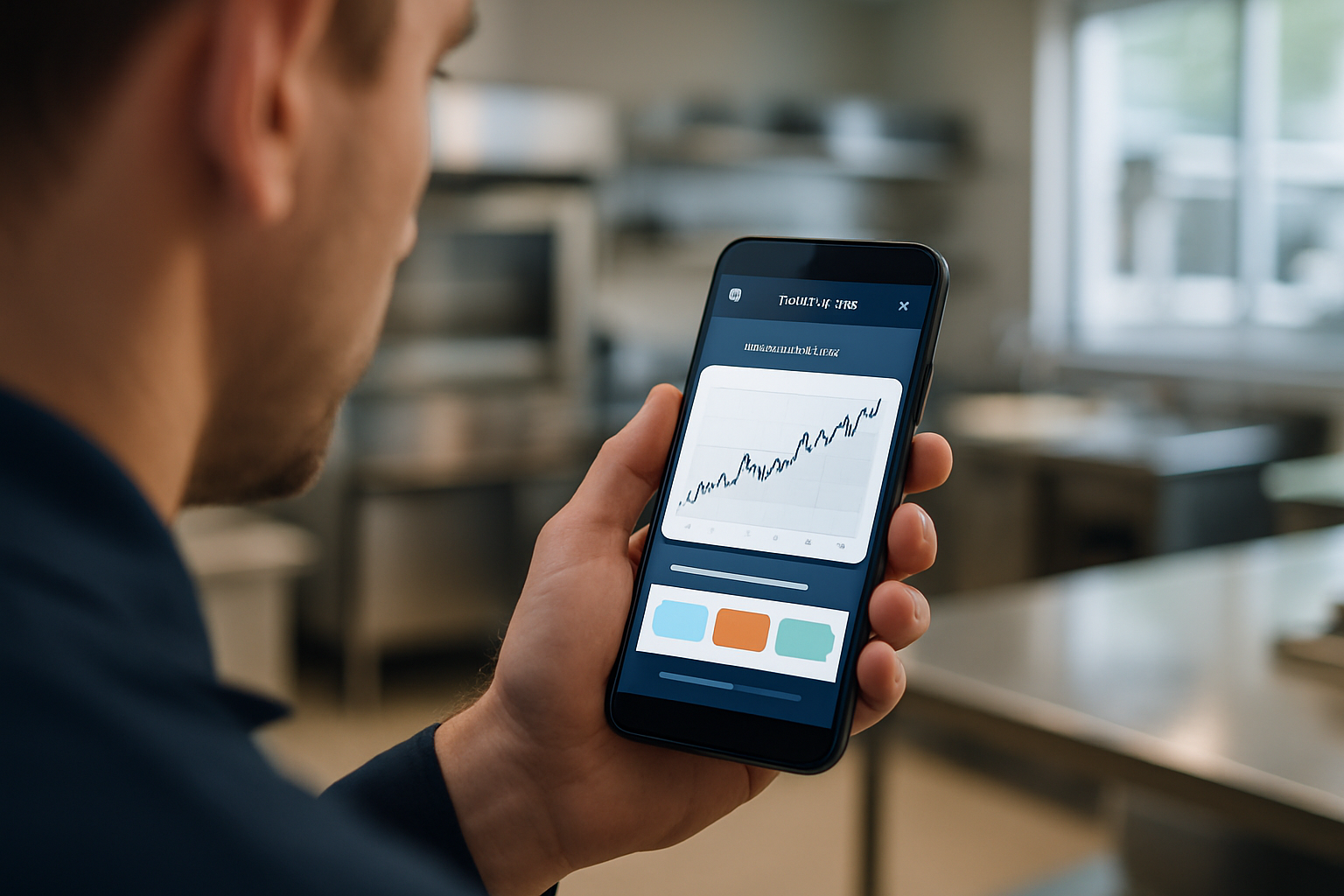
Continuous data does more than confirm a cooler is cold right now. It reveals patterns. A compressor that's beginning to fail or a door seal that's degrading often shows up as a slow upward creep in temperature over days or weeks. Spotting that trend early lets you schedule a repair before a full failure.
Continuous monitoring also catches the human side of the equation. One of the most common causes of temperature excursions in a walk-in isn't broken equipment at all, it's a door propped or left open too long while staff stock shelves or unload a delivery. A monitoring system sees that spike and flags it.
The shape of the data tells you which problem you're dealing with. A slow, steady climb points to equipment. A sharp spike during a stocking window that recovers once the door closes points to behavior. That distinction turns raw temperature readings into real insight, so you can call a technician for the compressor and coach the team about the door.
Features to look for in a walk-in monitoring system
Not every system handles the specific demands of a walk-in equally well. Here's what to prioritize.
Reading frequency and real-time visibility
How often a sensor reads determines what it can catch. Frequent readings, on the order of every 20 minutes, pick up short excursions that a twice-a-day manual check would miss entirely. Just as important, a system that stores historical readings lets you spot recurring problems, like a cooler that spikes every morning during delivery.
Alerting that reaches the right people
An alert is only useful if it's timely and trusted. Look for threshold-based alerts combined with duration settings, so a brief, normal fluctuation during a defrost cycle doesn't trigger a false alarm, but a sustained problem does. Notifications should reach staff by text, email, or app, so whoever is on call can act fast. This is the same principle behind good freezer temperature alarms: the alert has to travel to a person who can respond.
Humidity monitoring
Temperature isn't the whole story in a walk-in. Excess humidity and condensation affect product quality, promote ice buildup, and stress equipment. A sensor that reports both temperature and humidity gives you a fuller picture of conditions inside the box.
Battery life and maintenance
Every wireless sensor runs on a battery, so battery life directly affects your maintenance burden. Short-lived batteries mean routine service visits and the risk of a dead sensor going unnoticed. VitaTemp sensors use batteries that last about 10 years and are user replaceable, so you're not paying for service calls or specialized swaps.
Installation without drilling
For a walk-in specifically, wireless mounting matters. It avoids drilling holes through insulated panels, which can damage the box and void warranties. Setup is faster too, with no electrician, no conduit, and no downtime for the cooler.
How installation works for a walk-in cooler
Walk-in panels are engineered as sealed, insulated units. Drilling into them to run a wired probe breaks that seal, invites condensation into the insulation, and can void the manufacturer's warranty. That's why the wired approach is such a poor fit for these boxes.
Wireless sensors mount inside without penetrating the walls. You place the sensor, and it transmits through or around the structure to your gateway. Because there's no wiring, most facilities can set up their own sensors without a professional installer.
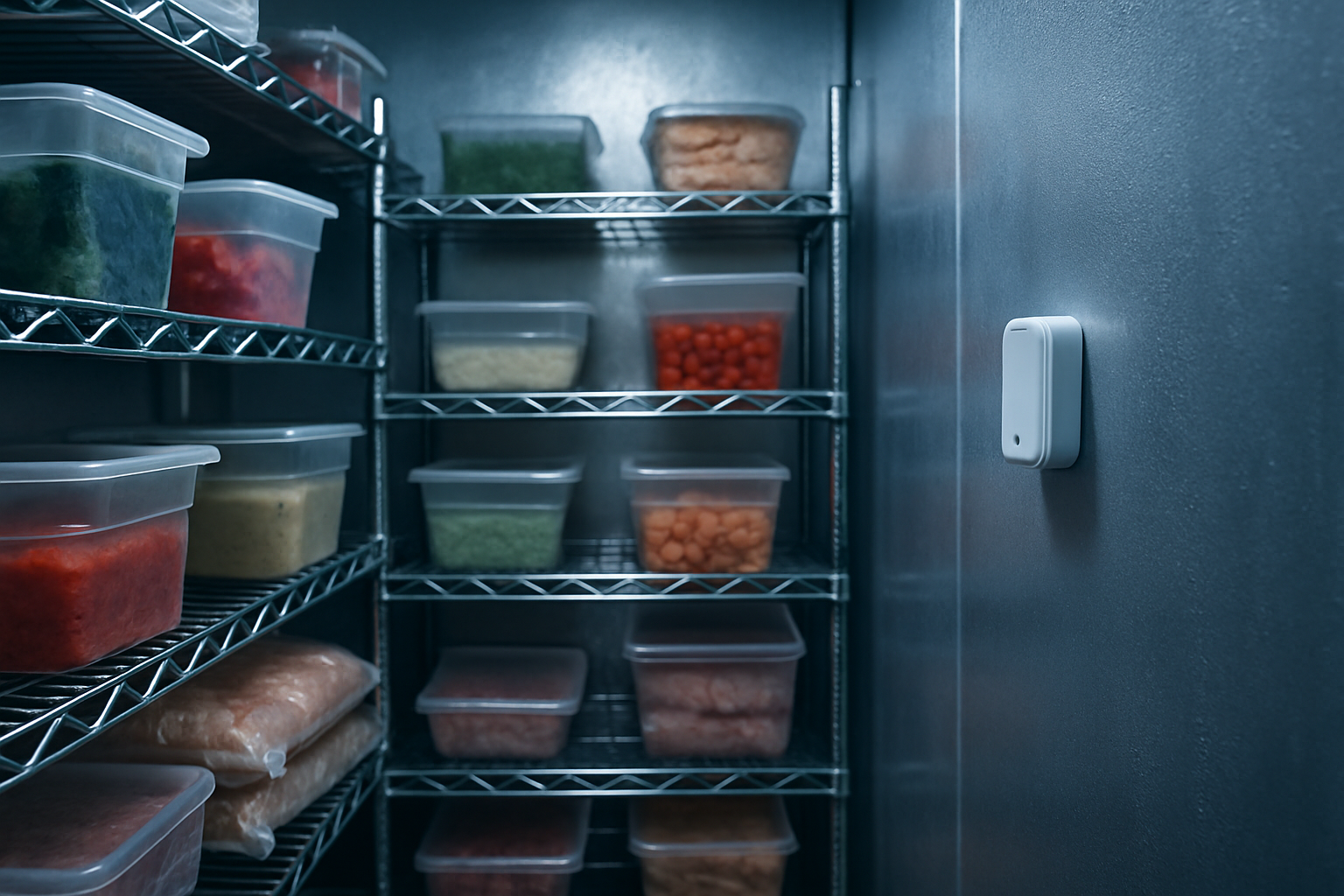
Placement makes a difference. Position the sensor near the return air path to capture a representative reading of the overall space, and keep it away from the door where drafts cause misleading dips, and away from the evaporator where defrost cycles cause temporary swings. Good placement means your data reflects the product's real conditions, not a local quirk. The result is minimal downtime and no disruptive retrofit.
How alerts prevent inventory loss and compliance violations
The practical payoff of monitoring is time. An early warning that a cooler is trending warm gives you the window to move product to another unit or call for repair before anything spoils. That single save often justifies the system.
The other payoff is the record. Automatic digital logs create an audit trail that inspectors can trust, because the readings are timestamped and can't be back-filled. Documented temperature history supports HACCP plans and health code requirements, and it pairs naturally with your food cooling procedures and logging. Instead of relying on staff memory and manual record keeping, you have a continuous, defensible history for every walk-in.
Industries and use cases
- Restaurants protect food inventory and produce clean records for health inspections, catching both equipment trouble and open-door habits during prep and delivery.
- Grocery stores monitor multiple walk-ins across produce, meat, dairy, and floral departments from one dashboard, so no single unit slips through the cracks.
- Schools keep cafeteria and kitchen refrigeration under continuous oversight, which supports food safety programs and reduces the burden on kitchen staff.
- Medical labs protect temperature-sensitive samples, reagents, and specimens where an excursion can ruin irreplaceable materials.
The same principles apply to smaller units too, which is worth keeping in mind if you're building out broader refrigerator temperature monitoring across a facility.
How to choose the right system for your facility
Start by matching sensor count to your equipment: how many walk-ins you have and how large each one is. A single large box may benefit from more than one sensor for accurate coverage.
From there, prioritize the fundamentals that determine whether the system actually protects you: frequent readings, reliable alerting that reaches real people, and long battery life so sensors don't quietly go dark. Factor in ease of installation and ongoing maintenance cost, since a system that needs professional service or frequent battery swaps eats into its value over time.
Finally, weigh whether a system helps you understand both sides of the problem. The ability to distinguish an equipment trend from a personnel issue like a propped door is a genuine differentiator, and it's the kind of insight that keeps a walk-in running well long after the install is done.
How often should walk-in cooler temperatures be checked?
Continuously is the honest answer. Manual checks a few times a day leave long gaps, especially overnight. A monitoring system that reads every 20 minutes gives you near-continuous coverage and flags problems as they happen rather than hours later.
Can a wireless system detect when a cooler door is left open?
Yes. A door left open during stocking or a busy shift causes a temperature spike that a monitoring system records and alerts on. Because the spike is sharp and recovers once the door closes, it looks different from a gradual equipment failure, which helps you identify it as a behavior issue.
Do I need to drill holes to install a wireless temperature sensor?
No. Wireless sensors mount inside the walk-in without penetrating the insulated panels, so there's no drilling, no conduit, and no risk of voiding your equipment warranty. Most facilities can install the sensors themselves.
How long do the sensor batteries last?
It varies by system, so look for long life to avoid frequent servicing. VitaTemp sensor batteries last about 10 years and are user replaceable, which keeps maintenance minimal and predictable.
Will the system help with health inspection compliance?
Yes. Automatic, timestamped digital logs create an audit trail that can't be back-filled, which supports HACCP plans and health code documentation. You can show inspectors a continuous temperature history instead of relying on handwritten records.
Have Questions About VitaTemp?
Our team is here to help you with temperature monitoring solutions for your business.