
Temperature monitoring for school cafeterias: keeping milk coolers, lunch lines, and reach-ins compliant
Temperature monitoring for food safety: a practical guide for restaurants and kitchens
Every dish you serve depends on food staying at a safe temperature from delivery to plate. When a cooler drifts warm overnight or a freezer door sits open through a morning delivery, the risk builds quietly, and often nobody notices until product is spoiled or a customer gets sick. Temperature monitoring for food safety is how kitchens catch those problems early. This guide covers the safe holding temperatures you need to know, why paper logs leave gaps, and how automated wireless monitoring protects both your inventory and your compliance record.
Why temperature monitoring is the backbone of food safety
Foodborne illness is largely a temperature problem. When perishable food sits in the range where bacteria thrive, pathogen levels can climb to unsafe amounts in a matter of hours. The longer food stays in that range, the higher the risk. That makes temperature control the single most important lever most kitchens have for preventing illness.
The trouble is that cold storage failures rarely announce themselves. A compressor can degrade slowly, or a door gasket can wear out, and the unit keeps humming while the internal temperature creeps upward. By the time someone opens the door and notices the milk feels warm, the food inside may already be unsafe. Consistent monitoring turns that blind spot into an early warning.
Think of monitoring as ongoing verification rather than a one-time check. Every reading confirms that your equipment and your procedures are actually doing their job. That protects your customers, guards your reputation against a bad review or an outbreak, and gives you documentation that reduces liability if a question ever comes up.
Safe holding temperatures every kitchen should know
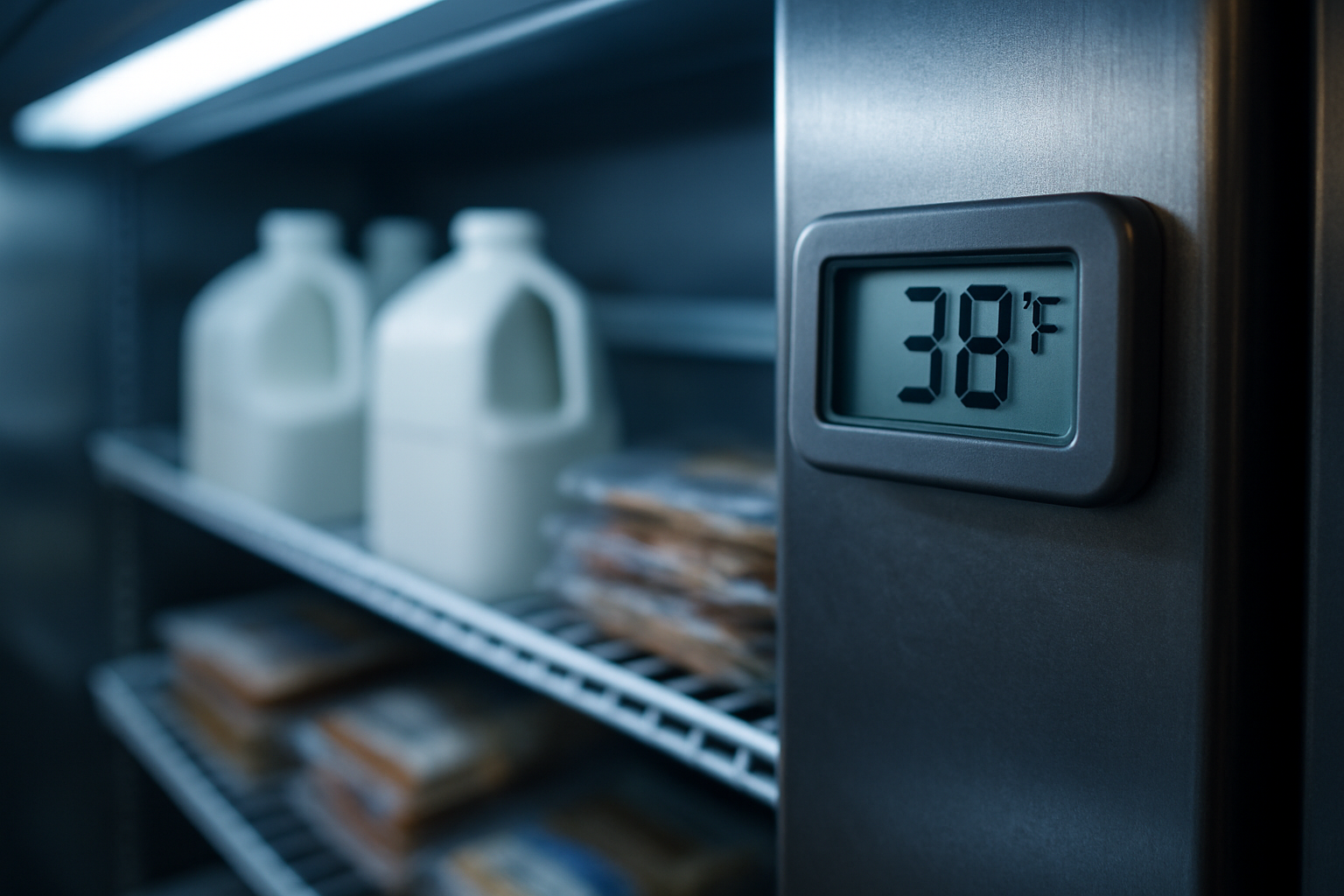
The core numbers are simple, and every person on your line should know them:
- Cold food should be held at 40°F (4°C) or below.
- Hot food should be held at 140°F (60°C) or above.
- The temperature danger zone runs from 40°F to 140°F, and this is where bacteria multiply fastest.
- Frozen storage should keep food solidly frozen, typically at 0°F (-18°C) or below.
The danger zone is the range to fear. Food left there too long becomes a risk even if it looks and smells fine. If you want a deeper breakdown, see our guide on what the temperature danger zone is and how to stay out of it.
Time matters alongside temperature. Food doesn't become unsafe the instant it enters the danger zone, but the clock starts. Many operations follow time-plus-temperature limits for how long food can sit out during prep or service before it must be used, chilled, or discarded. Cooling hot food back down has its own rules, which we cover in our guide on cooling procedures and the two-stage method.
Treat these figures as a baseline. Your local health code and the FDA Food Code are the final word, and some jurisdictions set stricter targets or specific limits for certain foods. Always defer to the rules that apply where you operate.
Where manual temperature logs fall short
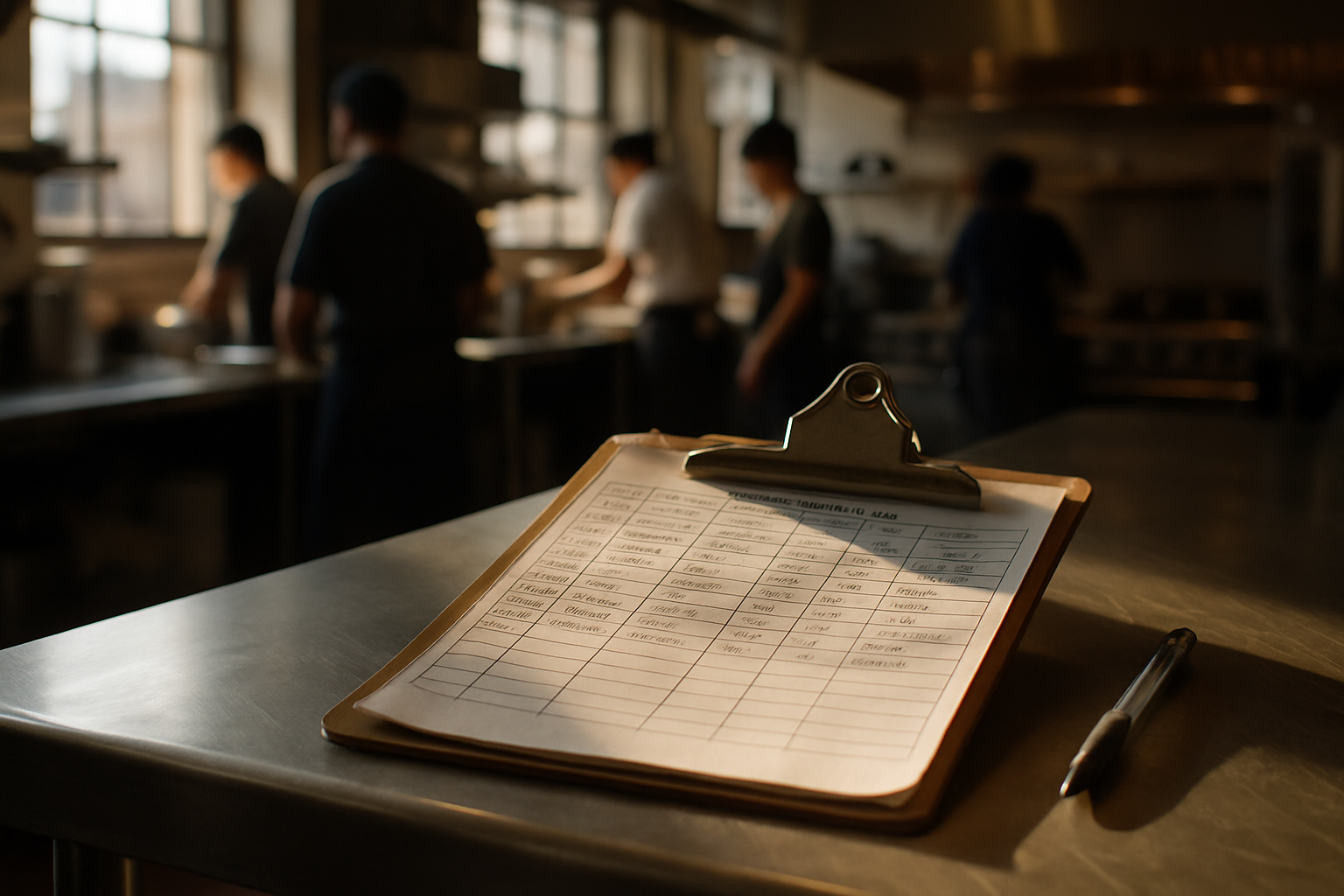
The clipboard on the walk-in door has been the standard for decades, but it has real weaknesses.
A manual check only captures a single moment. Someone records 38°F at 9 a.m. and 39°F at 4 p.m., and the log looks perfect, but it says nothing about what happened overnight or during the eight hours between readings. A cooler can fail right after the last check, warm through the danger zone, and recover before the next check ever happens. The paper record would never show it.
Readings also depend on busy people remembering. During a rush, checks get skipped, estimated, or filled in later from memory. A log that's backfilled at the end of a shift isn't verification, it's guesswork. And even an honest, complete log is fragile: paper gets wet, gets lost, or gets tossed, which makes any audit harder than it needs to be.
The biggest gap is that manual logs give you no real-time alert. If something goes wrong at 2 a.m., nobody knows until the morning crew walks in. By then the decision isn't whether to fix the unit; it's how much product you have to throw away.
How automated wireless temperature monitoring works
Automated monitoring closes those gaps by watching your equipment continuously. Small wireless sensors sit inside each cooler, freezer, and hot-holding unit and take readings on their own, without anyone lifting a clipboard.
With a system like VitaTemp, sensors capture temperature and humidity every 20 minutes and send the data automatically. Because the sensors are wireless, there's no drilling through walls or running cable, so installation doesn't disrupt your kitchen. Where you position the sensor still matters for accuracy; our guide on where to place a sensor in a walk-in cooler walks through the details.
The batteries in a good system last for years and are user-replaceable, so you're not paying for service visits or replacing whole units to keep monitoring alive. VitaTemp sensors run about ten years on a single battery. Every reading is logged continuously and stored digitally, so you can pull up any unit's history whenever you need it. Humidity data adds useful context too, since some storage environments depend on it as much as temperature.
Setting alert thresholds and check frequency
Continuous logging is the point. Instead of two snapshots a day, you get a reading every 20 minutes, which means roughly 72 data points daily per unit rather than two. That density is what lets you see problems as they develop.
For each unit, you set high and low thresholds that match its job. A walk-in cooler might alert above 41°F, a freezer above 5°F, and a hot-holding well below 135°F. When a unit drifts out of its safe range, the system sends an alert so someone can respond before food is lost.
The goal is meaningful alerts, not noise. Set thresholds too tight and a normal defrost cycle or a door opening during a delivery will trigger constant false alarms that staff learn to ignore. A short delay before an alert fires, or a threshold that accounts for brief, expected swings, keeps notifications trustworthy. For more on tuning alerts and reading trends, see our refrigerator temperature monitoring guide. Even with alerts running, review your logged data regularly, at least weekly, to catch slow trends that never quite trip a threshold.
Catching equipment failures before food is lost
One of the most valuable things monitoring reveals is gradual temperature creep. A compressor doesn't usually fail all at once. It struggles, and the unit's baseline temperature slowly rises over days or weeks. On a paper log, that pattern is invisible. In continuous data, it stands out clearly.
Early warning changes your options. If you know a unit is trending warm today, you can move product to a healthy cooler before anything spoils, instead of discovering a full freezer of ruined inventory tomorrow morning. Trend data also helps you decide whether a unit needs a repair or has reached the end of its life, so you're not paying for emergency service calls on equipment that should be replaced.
The math adds up fast. A single prevented loss of a stocked walk-in usually covers the cost of monitoring for a long time.
How monitoring data reveals staff behavior issues
Not every temperature problem is an equipment problem. Some are human habits, and continuous data is often the only way to tell the difference.
Say a freezer shows a temperature spike every morning between 7 and 8 a.m., then recovers by mid-morning. The compressor is fine; the pattern is tied to a shift and a task. That signature almost always means the door is being left open during delivery restocking while someone shuttles boxes in and out. An equipment fault would look different, often a steady climb that doesn't recover on its own.
Because the data is timestamped and continuous, you can tie spikes to specific shifts or times of day. That turns a vague suspicion into a clear, factual picture. Use it to coach, not to punish: maybe the fix is staging deliveries differently, propping the door only while actively moving product, or adjusting the restocking routine. The data updates your procedures, and it tells you whether the change actually worked.
Supporting HACCP plans and health inspections
In most HACCP plans, holding temperature is a critical control point, one of the specific steps where a failure directly threatens safety. Monitoring is how you prove that control point stays under control.
Automated records give you defensible documentation. Instead of a clipboard someone may have filled in from memory, you have a continuous, timestamped log that shows exactly what each unit did. When an inspector asks for records, you pull up clean digital history rather than digging through binders, which makes inspections faster and smoother.
Just as important, the system documents your corrective actions. When a threshold is breached, the log shows the alert, and your response, moving product or servicing the unit, becomes part of the record. That demonstrates a working food safety program, not just a set of readings. Consistent, complete records are one of the most reliable ways to reduce compliance risk.
Choosing a temperature monitoring system for your food business
Not every system fits a food operation equally well. A few things to weigh:
- Wireless setup. Sensors that avoid drilling and wiring go in fast and don't tear up your space.
- Battery life and replaceability. Long-life batteries you can swap yourself keep maintenance and cost down. Avoid systems that need frequent professional service just to stay running.
- Logging interval and data access. Frequent readings, like every 20 minutes, give you the resolution to spot both failures and behavior patterns. Make sure the data is stored and easy to pull up.
- Alerting and reliability. Confirm how alerts reach you and whether they still work if your internet drops. Our comparison of WiFi versus cellular freezer alarms covers this tradeoff.
- Room to grow. You should be able to add sensors as you add units without replacing the whole system.
- Fit for your units. Confirm the sensors handle the full range you need, from freezers to hot-holding wells.
Match the system to how your kitchen actually runs, and monitoring becomes something that quietly protects you every hour of every day.
What temperature should a restaurant refrigerator and freezer be kept at?
Keep refrigerators at 40°F (4°C) or below and freezers at 0°F (-18°C) or below. Many operators target a couple of degrees under those marks to leave a safety margin during door openings and delivery. Always follow your local health code, which may set stricter requirements.
How often should food temperatures be checked?
Manual checks are commonly done at least twice per shift, but that leaves long gaps where problems go unseen. Automated monitoring records readings continuously, often every 20 minutes, so you have a complete picture around the clock instead of a few snapshots.
Can automated temperature monitoring replace paper logs for HACCP compliance?
In most cases yes, and it usually produces stronger documentation. Continuous, timestamped digital records are harder to falsify and easier to audit than a clipboard. Confirm the format your local health authority accepts, but automated logs generally satisfy HACCP record-keeping requirements more reliably than paper.
How does temperature monitoring help catch freezer doors left open?
An open door causes a temperature spike that recovers once the door closes. When those spikes repeat at the same time each day, the data points to a habit rather than an equipment fault. Tying the pattern to a specific shift or task, like morning restocking, lets you fix the procedure directly.
Do wireless temperature sensors require drilling or professional installation?
No. Wireless sensors are designed to sit inside your units without drilling holes or running cable, so there's no installation disruption. You place the sensor, connect it to the system, and it begins logging. Correct placement matters for accuracy, but the setup itself is simple.
Have Questions About VitaTemp?
Our team is here to help you with temperature monitoring solutions for your business.