
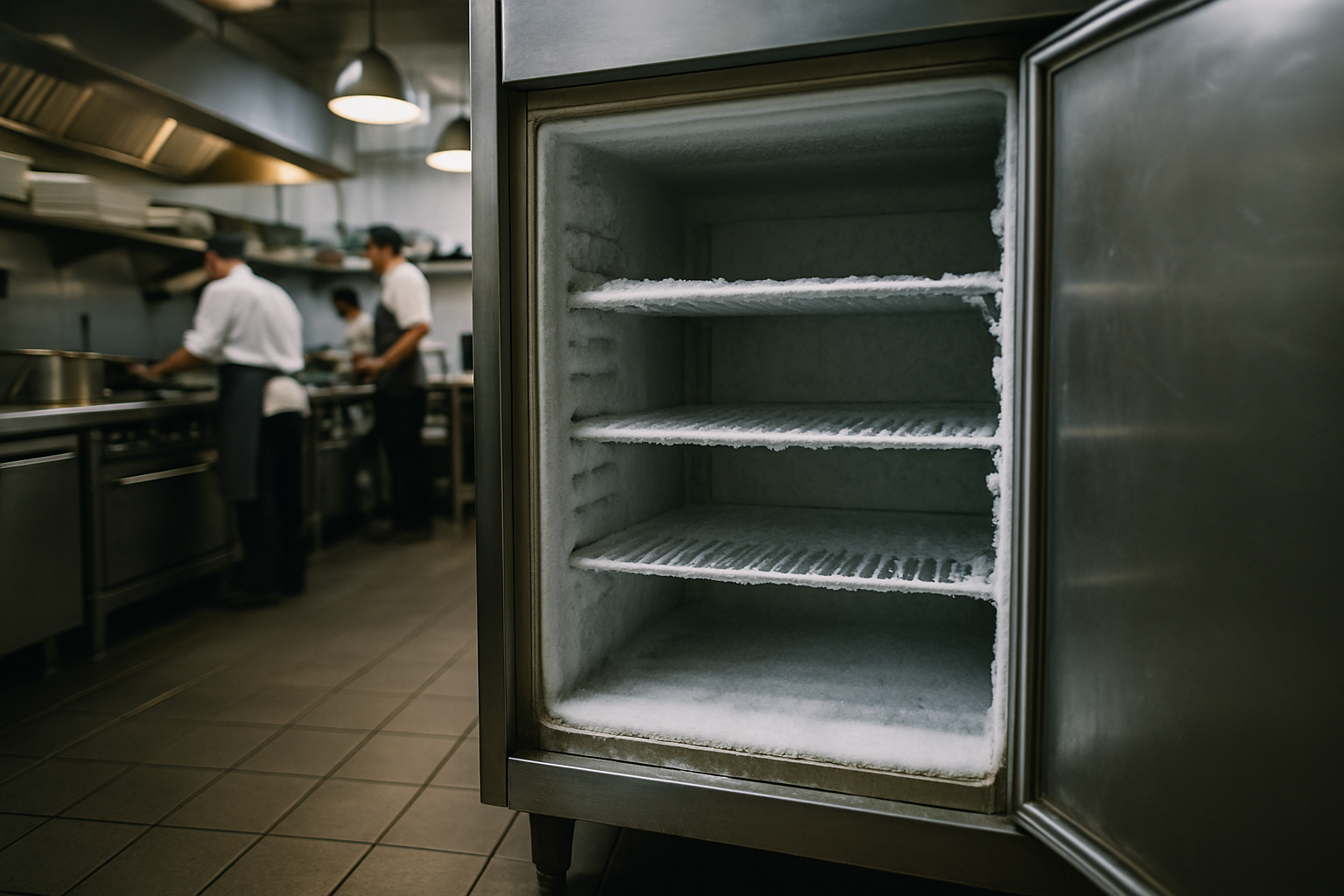
Refrigerator temperature monitoring: what to track, how often, and when to act
Refrigerator temperature monitoring: a practical guide for food safety and compliance
A single failed cooler can wipe out thousands of dollars in inventory overnight, and if that failure happens on a Saturday when no one is in the building, you often don't find out until Monday. That's the core problem with relying on someone to walk over, open a door, and jot a number on a clipboard. Refrigerator temperature monitoring solves it by watching your cold storage continuously, around the clock, and telling you the moment something goes wrong.
This guide explains how modern wireless monitoring works, what temperature ranges you should hold, and why continuous automated data beats both manual logging and older wired systems, especially when it comes to catching problems your equipment isn't causing, like a door left open during a busy delivery.
What refrigerator temperature monitoring is and how it works
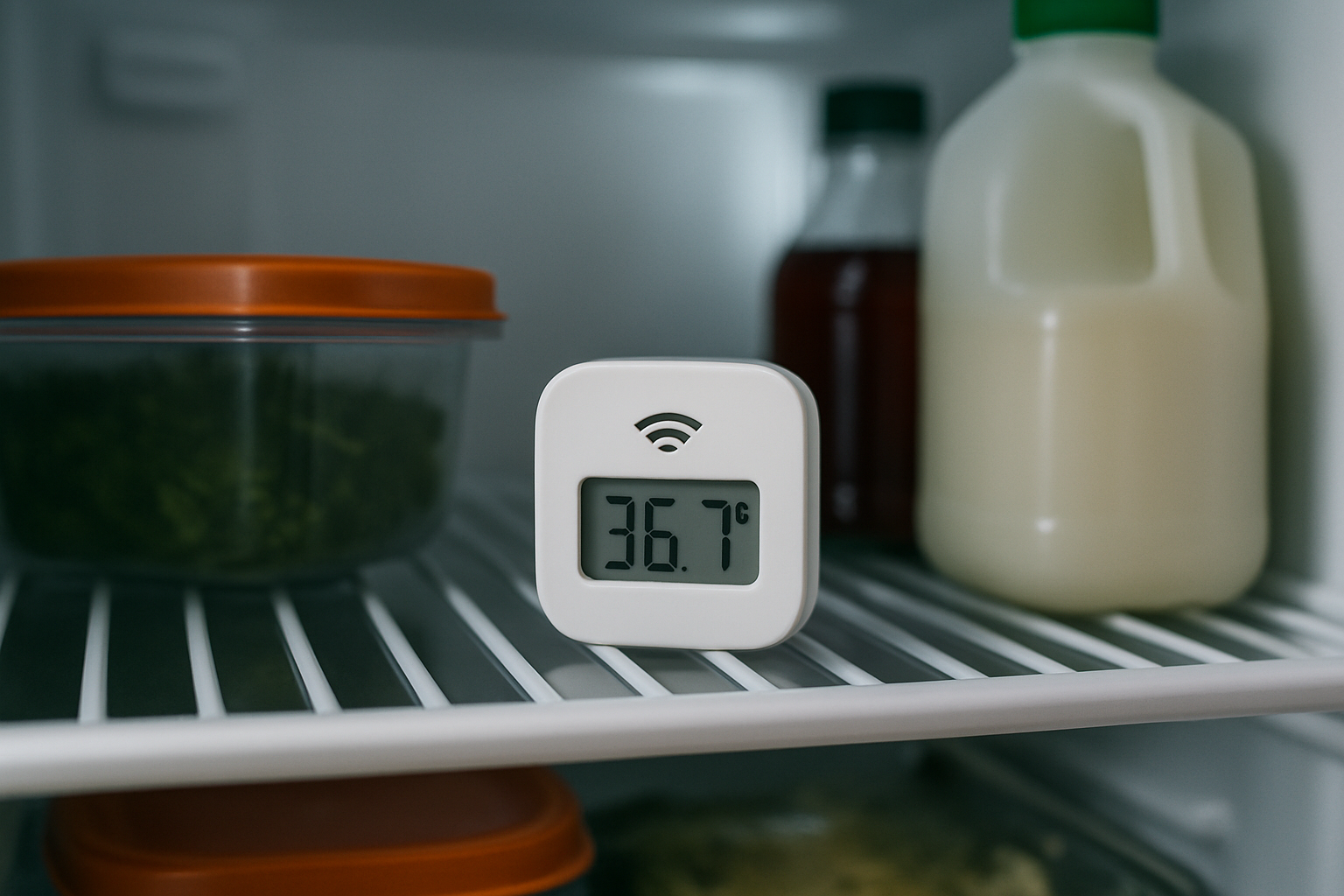
Refrigerator temperature monitoring is the practice of continuously tracking the temperature (and often humidity) inside cold storage units and recording that data automatically. Instead of a person checking a unit a few times a day, sensors do the work every few minutes, all day and all night.
A typical wireless system has a few core parts:
- Sensors placed inside each refrigerator, freezer, or storage unit, measuring temperature and humidity.
- Wireless transmission that sends readings from the sensors to a gateway or directly to the cloud.
- Cloud logging that stores every reading with a timestamp, building a complete history.
- Alerting that notifies staff when a reading falls outside a safe range.
The key difference from manual methods is how data is captured. A clipboard check is a spot check: it tells you the temperature at one moment, and only if someone remembers to do it. Continuous monitoring collects readings at set intervals automatically, so you get an unbroken record rather than a handful of scattered snapshots. That difference is what lets you spot a slow decline, a recurring spike, or a failure the instant it starts.
Why manual clipboard logging falls short
Manual logging is cheap and familiar, which is why it's still common. It's also unreliable in ways that matter.
The most obvious weakness is human error. Checks get skipped during rushes, numbers get transposed, and readings only happen when someone is on shift. Cold storage runs 24 hours a day, but a manual log might only cover the hours the building is staffed.
That leaves large gaps overnight and on weekends, which is exactly when many failures go undetected. A compressor can quit at 9 p.m. Friday, and with no one checking until Monday morning, everything inside has spent two days in the temperature danger zone.
There's also the honesty problem. Logs are sometimes filled in after the fact or estimated rather than measured; an inspector who sees identical "38°F" entries every single day for a month has good reason to be skeptical. Manual logging gives no early warning either. By the time a person notices a warm cooler, the food may already be unsafe. And incomplete or clearly falsified records are a compliance liability in their own right.
Safe temperature ranges for refrigerators, freezers, and labs
Holding the right temperature is the whole point, so it helps to know the targets.
For general food safety:
- Refrigeration: at or below 40°F (4°C)
- Freezers: at or around 0°F (-18°C)
The danger zone for food is 40°F to 140°F. Bacteria multiply rapidly in that range, which is why keeping cold food below 40°F matters so much. We cover this in detail in our guide to the temperature danger zone.
Medical and research labs usually face tighter requirements. Vaccine storage, reagents, and biological samples often need to stay within a narrow, well-documented band, and the record itself is part of compliance. Some products also have humidity requirements, since excess moisture can damage certain stored items or cause condensation problems.
One important caveat: specific requirements vary by jurisdiction, product, and industry. Treat the numbers above as general guidance and always verify your local health codes and any manufacturer or regulatory specifications that apply to what you store.
Wireless vs wired vs manual monitoring
There are three broad approaches, and they're not equal.
Manual monitoring is the clipboard method. It's inexpensive to start but labor-intensive and unreliable, for all the reasons above. Every reading depends on a person remembering to take it.
Wired systems automate data collection but come with a heavy install. Running cable often means drilling through walls, coolers, and freezer panels to route sensors and power. That's expensive, disruptive, and permanent. Relocating a unit or adding a new one means more drilling and more cost. Worse, every hole through an insulated wall or door seal is a potential weak point for heat intrusion and condensation.
Wireless monitoring avoids all of that. Sensors sit inside the unit and transmit readings without any cabling, so there are no holes to drill and nothing to compromise your insulation or door seals. Setup is fast, and sensors can be moved or added as your needs change. If you rearrange a kitchen, open a new location, or bring in another freezer, you place a sensor and it's monitoring, no contractor required.
That flexibility is a big practical advantage. Cold storage layouts change, and a system you can reconfigure yourself in minutes beats one that requires a service call.
Why reading intervals matter

How often a system takes readings determines what it can actually catch.
Check a unit once or twice a day and you'll miss short but damaging excursions entirely. A freezer door propped open for 40 minutes during a delivery might not show up at all on a manual log, yet it's long enough to raise internal temperatures and stress everything inside.
Frequent automated readings close that gap. Taking a reading every 20 minutes, for example, builds a detailed timeline of what's happening inside each unit. That granularity does two things. First, it catches brief events a spot check would miss. Second, it reveals patterns over time, like a temperature that creeps up every afternoon or spikes at the same point in every shift. Those patterns are often the first clue to a developing problem.
There's a balance to strike. Extremely frequent readings generate more data and can drain batteries faster, while very infrequent readings miss too much. An interval in the range of every 20 minutes gives you a rich, useful record while keeping the system efficient enough to run for years on a single battery.
Catching people problems, not just equipment failure
Monitoring is often sold as a way to catch broken equipment, and it does that well. But some of the most valuable insights are about how people use the equipment.
The classic example is a door left open during stocking. When a delivery arrives, staff prop the walk-in open to move product quickly. Do it for a few minutes and it's fine; do it for half an hour and internal temperatures climb. Interval data shows exactly when it happened and how long it lasted.
Monitoring also flags units that were unplugged and not plugged back in, vents blocked by boxes, and shelves overloaded to the point that airflow suffers. Each of these produces a temperature signature you can see in the data.
Over time, the record helps you tell the difference between a slow equipment decline (a gradual, consistent drift upward) and a one-time human error (a sharp spike that resolves once the door closes). If warm spikes always appear during the same shift, that's a training conversation, not a repair. Used this way, the data supports staff accountability and coaching rather than guesswork.
How alerts and notifications work
Continuous logging is useful after the fact, but alerts are what let you act in the moment.
Alerts are threshold-based: you set a safe range for each unit, and when a reading crosses it, the system sends a notification. Those notifications typically arrive by text message, email, or an app, so someone gets word even if they're not on site.
Good systems support escalation. If the first person doesn't acknowledge an alert, it moves to the next, so a critical warning doesn't sit unseen because one manager's phone was on silent. Reliable systems also alert you to problems with the monitoring itself, such as a sensor going quiet or a connectivity issue, so you're never falsely reassured by silence.
The payoff is speed. Catching a rising freezer at the first sign of trouble often means you can move product to another unit or call for repair before anything spoils, turning a potential total loss into a minor inconvenience. If you're focused specifically on freezers, our guide to freezer temperature alarms goes deeper on alerting.
What to look for when choosing a monitoring system
Not all systems are equal. A few practical criteria separate the good from the frustrating:
- Battery life and replaceability. Look for long battery life, around 10 years, with user-replaceable batteries. You don't want to replace a whole sensor or wait on a technician for a routine battery swap.
- Wireless install with no drilling. This keeps setup fast and protects your unit seals and insulation.
- Temperature and humidity readings. Humidity matters for many storage situations and is useful for spotting condensation and airflow issues.
- A sensible reading interval and reliable alerting. Frequent readings (such as every 20 minutes) plus dependable notifications are the heart of the system.
- Ease of setup and adding sensors. You should be able to expand or rearrange without a service call.
- Accessible historical records. Time-stamped logs you can pull up and export are essential for audits.
Industries that benefit most
Any operation with regulated or high-value cold inventory gains from automated monitoring, but a few see the clearest return:
- Restaurants and food service, where a failed cooler means both lost product and a health-code risk.
- Schools and cafeterias, where food-service directors manage multiple units and must document safe storage.
- Medical and research labs, where tight, documented temperature ranges protect samples, reagents, and vaccines.
- Grocery and cold storage facilities, where the sheer volume of inventory makes early failure detection valuable.
If cold storage failure would cost you money, product, or compliance standing, monitoring pays for itself quickly.
Supporting health inspections and compliance records
Beyond preventing spoilage, monitoring makes compliance far easier.
Automatic, time-stamped logs are ready whenever an inspector asks. Instead of a hand-written sheet with gaps, you have a complete, tamper-resistant record that shows consistent monitoring, including overnight and on weekends when no one is present to log by hand.
The record also documents your alerts and the corrective actions taken in response, which demonstrates due diligence. Being able to show that you detected a problem and responded promptly reduces liability and proves you're managing risk rather than reacting to it. And because records are exportable, pulling data for an audit or a corporate review takes minutes rather than a search through a filing cabinet.
Frequently asked questions
What temperature should a commercial refrigerator be kept at?
As a general food-safety guideline, keep refrigerators at or below 40°F (4°C) and freezers at around 0°F (-18°C). Specific requirements can be stricter depending on your jurisdiction and what you store, so verify your local health codes and any applicable product specifications.
How often should refrigerator temperatures be checked?
Manual guidance often calls for checks at least a couple of times a day, but that leaves large gaps. Automated systems that take readings frequently, such as every 20 minutes, give a far more complete record and catch short excursions a manual check would miss.
Can wireless monitoring be installed without drilling into coolers?
Yes. Wireless sensors sit inside the unit and transmit readings without cabling, so there are no holes to drill. That protects your insulation and door seals and makes it easy to move or add sensors later.
Who gets notified when a temperature goes out of range?
Alerts go to the staff you designate, usually by text, email, or app. Many systems support escalation, so if the first person doesn't respond, the alert moves to additional staff, ensuring a critical warning isn't missed.
How long do the sensor batteries last?
With an efficient wireless system, batteries can last around 10 years, and user-replaceable batteries mean you can swap them yourself when the time comes rather than replacing the sensor or scheduling a service call.
Have Questions About VitaTemp?
Our team is here to help you with temperature monitoring solutions for your business.